How to choose a web designer on the Gold Coast: 12 questions to ask
Hiring a web designer on the Gold Coast? Twelve questions to ask before you sign, what good answers sound like, and the red flags to watch for.
Read article
What Google’s Core Web Vitals measure, why a slow website costs you enquiries, and the practical fixes that make the biggest difference to page speed.

Aidan Pawluk
Design Director ·

Nobody waits for a slow website. If your page takes too long to appear, jumps around while it loads or freezes when someone taps a button, they hit back and call the next business on the list. Google measures exactly these experiences with a set of metrics called Core Web Vitals. Here’s what they mean in plain English and what you can do about them.
Google’s Web Vitals guidance focuses on three measurements, each with a recommended target.
LCP measures how long it takes for the biggest thing on the screen, usually your hero image or main headline, to appear. Google recommends 2.5 seconds or less.
INP measures how quickly the page reacts when someone clicks, taps or types. A good score is 200 milliseconds or less. Poor INP feels like a menu that won’t open or a form that lags.
CLS measures how much the page jumps around while loading. You know the feeling: you go to tap a button and an image loads above it, pushing everything down. Google recommends a score of 0.1 or less.
Paste your website address into PageSpeed Insights. You’ll see real-world data from Chrome users (if your site has enough visitors) and a lab test with specific suggestions. Check your home page and your most important service pages, on mobile first.
If your site is connected to Google Search Console, the Core Web Vitals report shows which groups of pages need attention.
Oversized images are the most common reason small business sites are slow. Images should be resized to the size they’re displayed at, compressed, served in modern formats and lazy loaded below the fold. Your main hero image should load first, not last.
Cheap shared hosting on the other side of the world adds delay to every page. Fast Australian hosting with caching makes an immediate difference for local visitors.
Every slider, chat widget, tracking script and plugin adds weight. Audit what’s actually being used and remove the rest. Load third-party scripts only where they’re needed.
Setting dimensions on images, videos and ads stops the layout jumping as they load, which fixes most CLS problems.
Two font families with a few weights is plenty. Loading a dozen font files slows the first paint and can cause text to flash or shift.
Speed is far easier to build in than to bolt on. Clean templates, sensible animations and a lightweight page builder setup will outperform any amount of after-the-fact optimisation plugins.
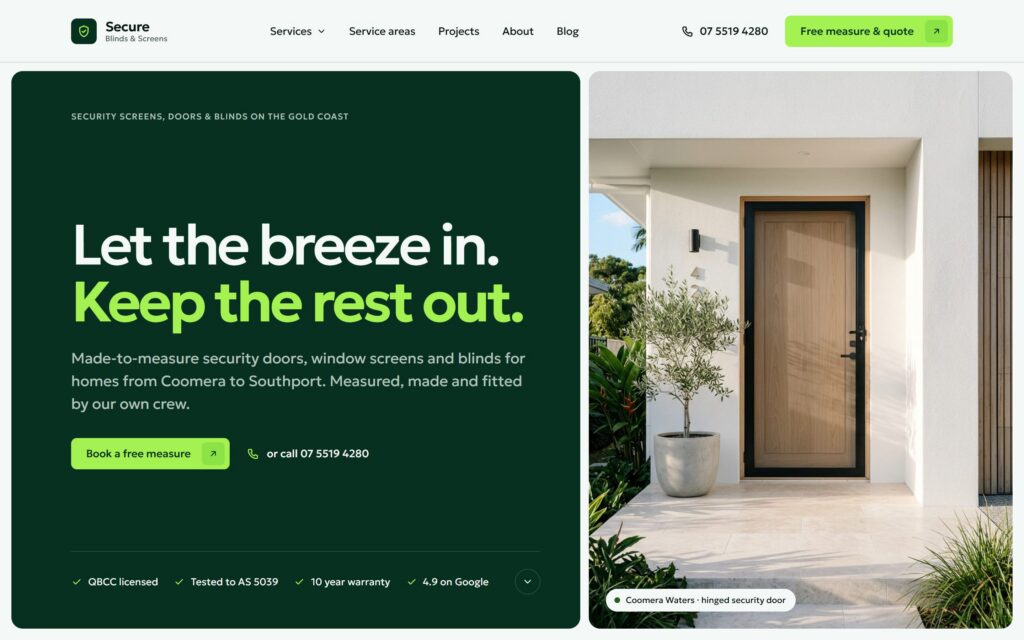
Every site we build is designed mobile first, with compressed images, minimal plugins and motion that respects performance and reduced-motion settings. You can feel the difference on our Aero Pilates and Secure Blinds & Screens concept sites, which you can open live on your phone.
Run your site through PageSpeed Insights today and note your mobile LCP, INP and CLS. If they’re in the red, it may be time for a rebuild rather than another plugin. Our web design service includes performance as standard, and our SEO service covers technical audits for existing sites.
Is your site slow because of how it was built? Sometimes a rebuild is faster and cheaper than patching. See the 8 signs it is time for a website redesign, or learn how we build fast sites on our web design page.
Keep reading
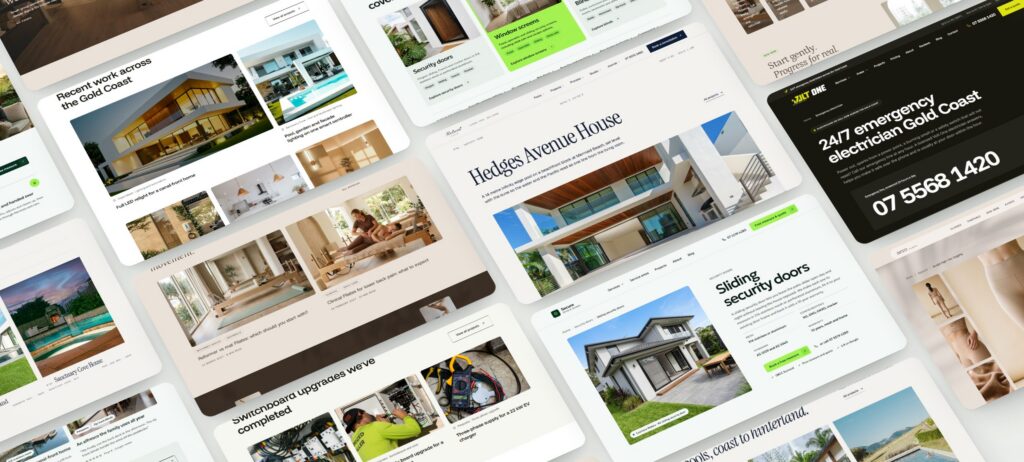
Hiring a web designer on the Gold Coast? Twelve questions to ask before you sign, what good answers sound like, and the red flags to watch for.
Read article
Eight signs your website is holding your business back, and a step by step plan for a redesign that keeps your rankings and brings in more enquiries.
Read article

Templates are quick and cheap; custom design is built around your customers. An honest comparison of cost, speed, SEO, flexibility and results.
Read article