Custom website design vs templates: which is right for your business?
Templates are quick and cheap; custom design is built around your customers. An honest comparison of cost, speed, SEO, flexibility and results.
Read article
How busy local businesses can plan, create and schedule social media content without it taking over their week, with content pillars, batching and templates.

Aidan Pawluk
Design Director ·
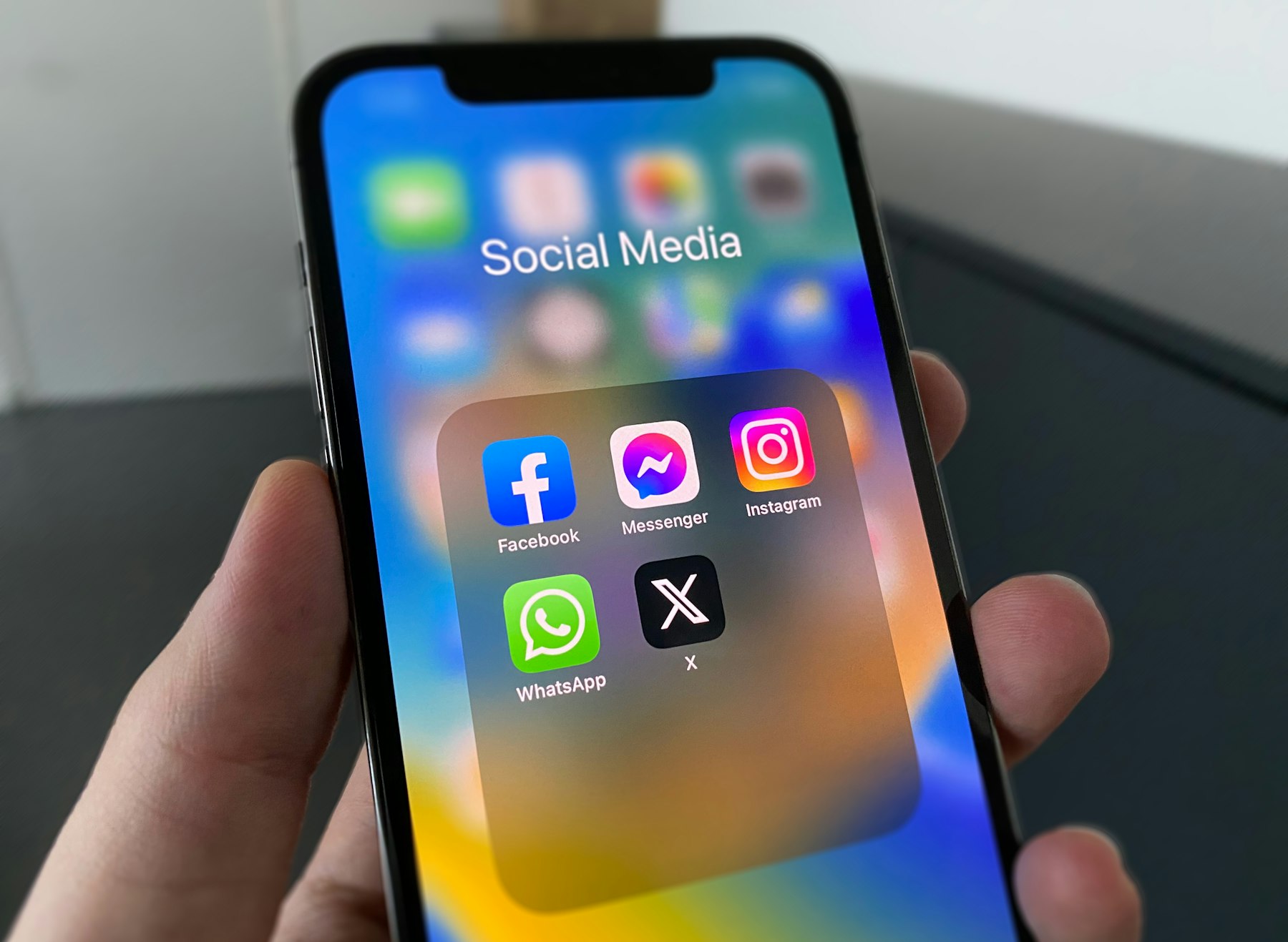
Most local businesses know they should be posting on social media. The problem isn’t ideas. It’s time. Between running jobs, quoting and managing staff, social is the first thing to slip. The fix isn’t more motivation, it’s a social media content plan that runs even when you’re flat out. Here’s the simple system we use.
You don’t need to be everywhere. Choose the one or two platforms where your customers actually spend time. For most local service businesses, that’s Instagram and Facebook. Professional services often add LinkedIn. Do those well before adding anything else.
Content pillars are the recurring themes you post about. They stop you staring at a blank screen and keep your feed balanced. For a local service business, they might be:
Your best content happens on the job. Make it a habit for the team to take a few photos and a short video of every interesting job: before, during and after. Shoot vertically for reels and stories. Drop everything into a shared folder so nothing gets lost in camera rolls.
Instead of trying to post something every day, set aside one session a month to plan and create everything. Pick the best photos and videos from the shared folder, map them to your pillars and write the captions in one go. Batching is dramatically faster than starting from scratch every time.
Branded templates for tips, reviews, offers and announcements mean every post looks consistent, even when someone different makes it. They also cut creation time down to minutes. Your templates should use your brand colours, fonts and logo, so your feed reinforces your brand rather than diluting it.
Use Meta Business Suite or a scheduling tool to queue the whole month in advance. Then your only daily job is replying to comments and messages, which is where real conversations and enquiries happen.
Once a month, look at which posts got the most reach, saves, shares and messages. Do more of what works and drop what doesn’t. For most local businesses, real project content and short videos outperform polished graphics.
Consistency matters more than volume. Two or three good posts a week, every week, will do more for you than a burst of daily posting followed by a month of silence. Stories can be more frequent and casual.
Social media builds familiarity, but your website is where people check you out before they call. Make sure your profile links go to a fast, mobile friendly site with a clear way to get in touch. If your site isn’t up to it yet, our guide to what makes a service business website convert is a good place to start.
Social media management, content planning and branded templates are part of our social media and content service, included from our Basic plan. See the pricing page for details, or book a free intro call to talk about what you need.
Keep reading
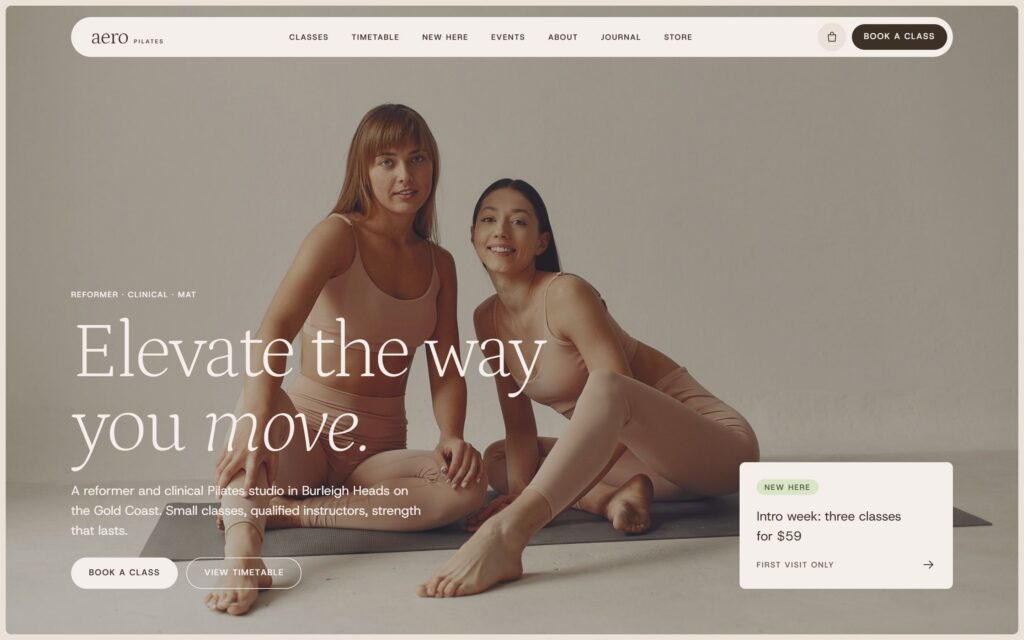
Templates are quick and cheap; custom design is built around your customers. An honest comparison of cost, speed, SEO, flexibility and results.
Read article
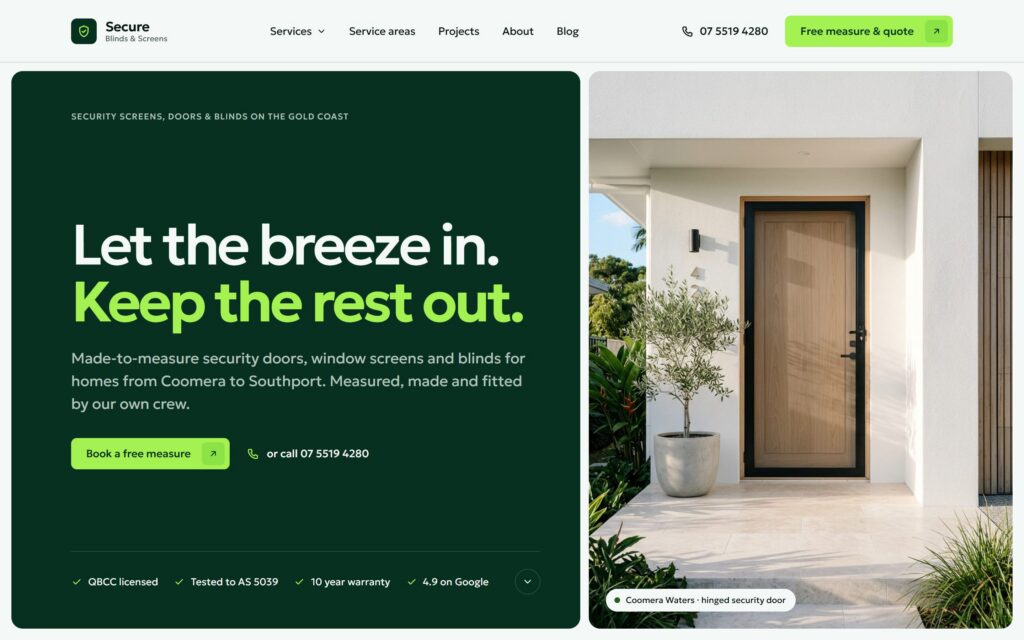
Eight signs your website is holding your business back, and a step by step plan for a redesign that keeps your rankings and brings in more enquiries.
Read article
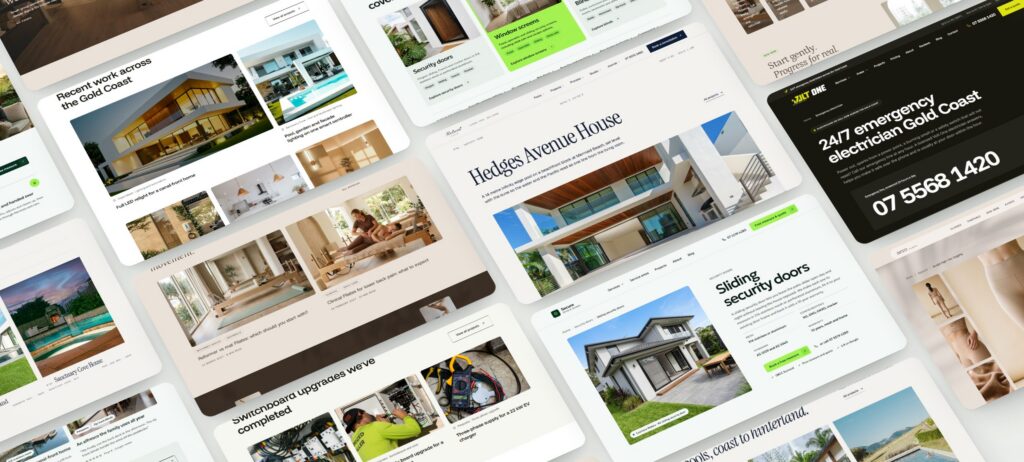
Hiring a web designer on the Gold Coast? Twelve questions to ask before you sign, what good answers sound like, and the red flags to watch for.
Read article